Skip to content

For Developers

Set it up in minutes, then forget it’s there

Sveltia CMS is a single-page app served from a CDN. Add a config file and a script tag to your site, and your content stays in your Git repository as plain files.

admin/index.html
<!doctype html>
<html>
  <head>
    <meta charset="utf-8" />
    <meta name="robots" content="noindex" />
    <title>Sveltia CMS</title>
  </head>
  <body>
    <script src="https://unpkg.com/@sveltia/cms/dist/sveltia-cms.js"></script>
  </body>
</html>

Developer experience, reimagined

Configuration

One file, with autocompletion

Describe your collections and fields in YAML, TOML or JSON. The official JSON schema validates your config and powers autocompletion in VS Code and other editors, so mistakes are caught as you type.

Learn the configuration basics
admin/config.yml
# yaml-language-server: $schema=https://unpkg.com/@sveltia/cms/schema/sveltia-cms.json

backend:
  name: github
  repo: user/repo

media_folder: /public/media

collections:
  - name: posts
    label: Posts
    folder: /content/posts
    fields:
      - { name: title, widget: string }
      - { name: date, widget: datetime }
      - { name: body, widget: richtext }
Content modeling

Model any content, from blog posts to site settings

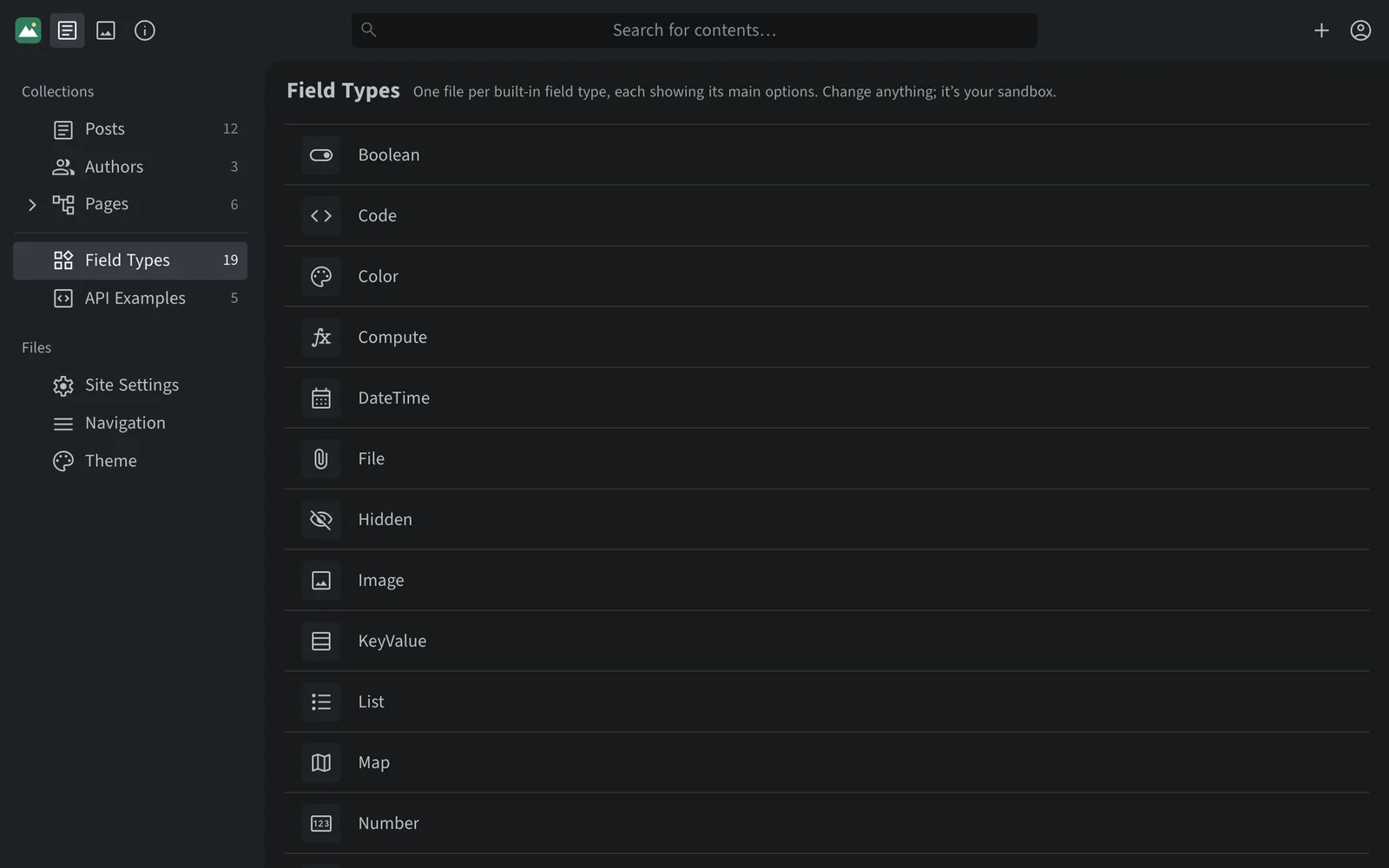
Combine 19 built-in field types into entry collections, file collections and singletons. Link content with relations, nest collections as a tree, and store everything as Markdown, YAML, TOML or JSON.

Explore content modeling
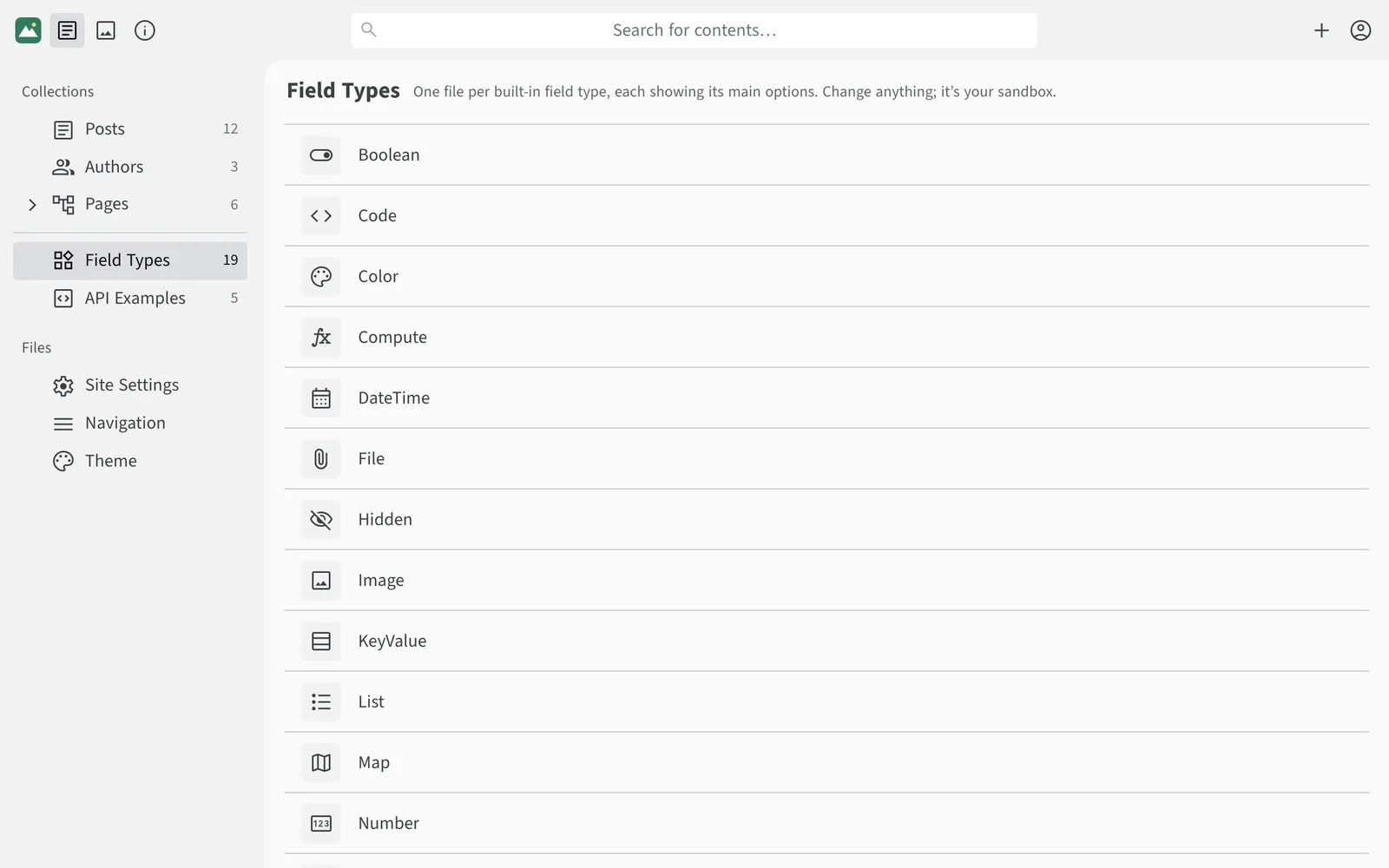
A list of built-in field types including Boolean, Code, Color, DateTime, Image, List and MapA list of built-in field types including Boolean, Code, Color, DateTime, Image, List and Map

JavaScript API

Extend it with plain JavaScript

Register custom field types, preview templates, editor components, file formats and event hooks. The API is largely compatible with Netlify/Decap CMS and comes with TypeScript types.

Browse the API reference
Custom editor component
CMS.registerEditorComponent({
  id: 'cover',
  label: 'Cover',
  icon: 'wallpaper',
  fields: [{ name: 'src', label: 'Image', widget: 'image' }],
  pattern: /{{< cover src="(?<src>.*?)" >}}/,
  toBlock: ({ src = '' }) => `{{< cover src="${src}" >}}`,
});

And there’s more

Works with your stack

Fits your workflow

Data you can trust

Tools that help

Security and privacy

Add a CMS to your site today

Follow the Start Guide, or pick a starter template for your framework.