Skip to content

For Content Editors

A CMS your team will actually enjoy using

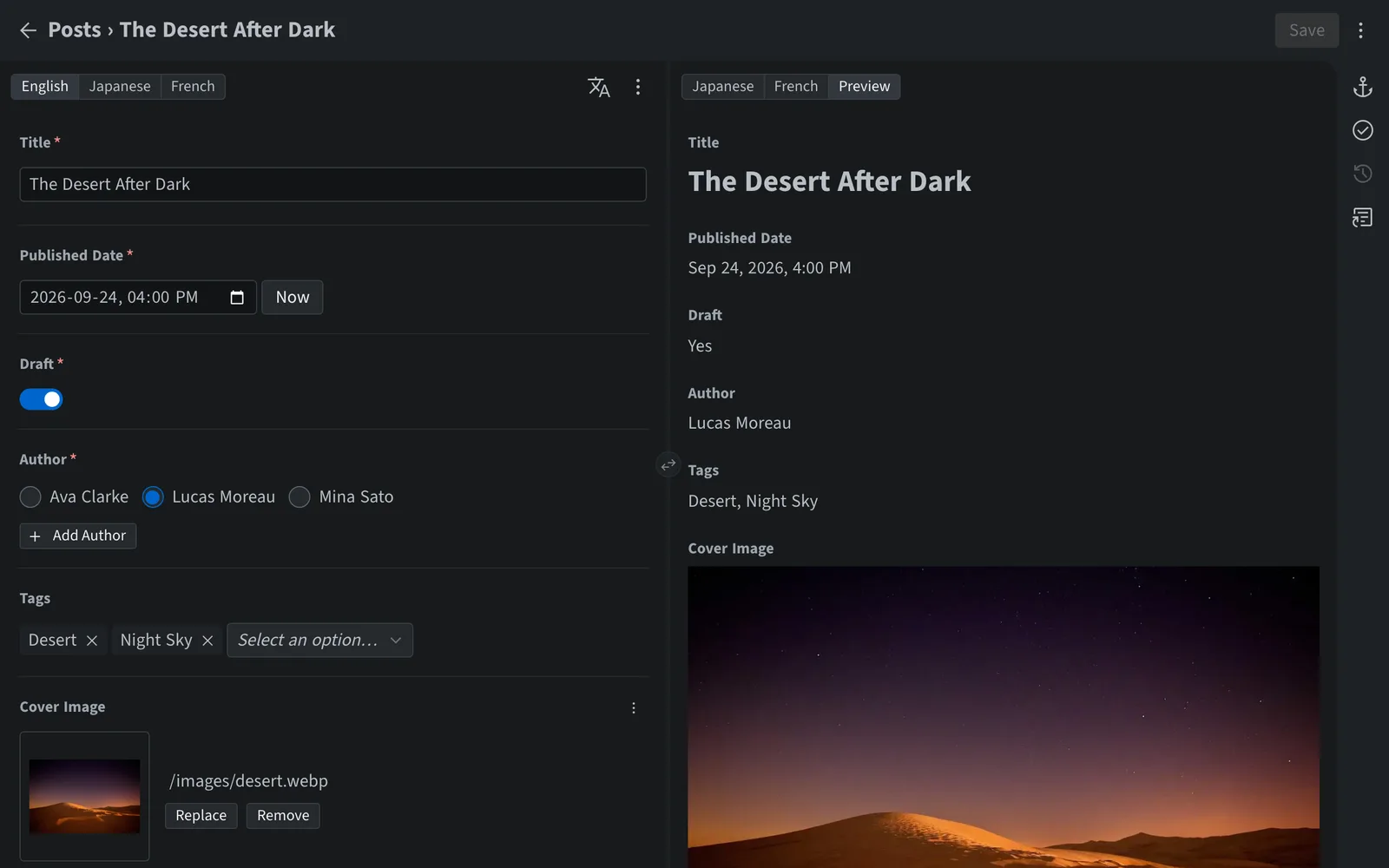
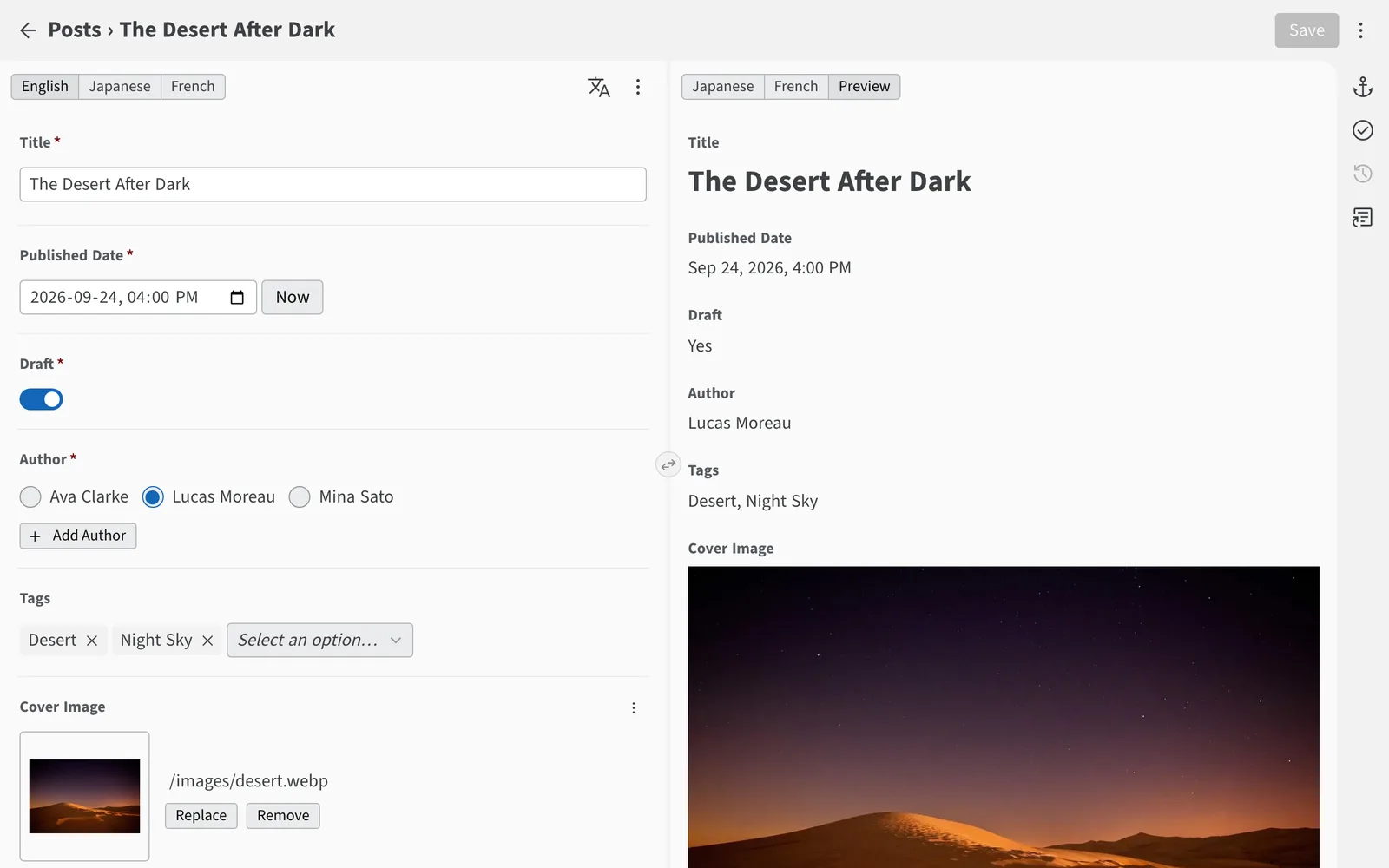
Write, organize and publish without learning Git, Markdown or anything technical. Sveltia CMS feels like a modern app because it is one.

The Sveltia CMS content editor with a blog post on the left and a live preview on the rightThe Sveltia CMS content editor with a blog post on the left and a live preview on the right

Built for the way you work

Content library

Find any entry in seconds

Switch between table, list and grid views, then sort, filter and group entries to see exactly what you need. Instant full-text search covers every collection, so nothing gets lost.

Learn about the content library
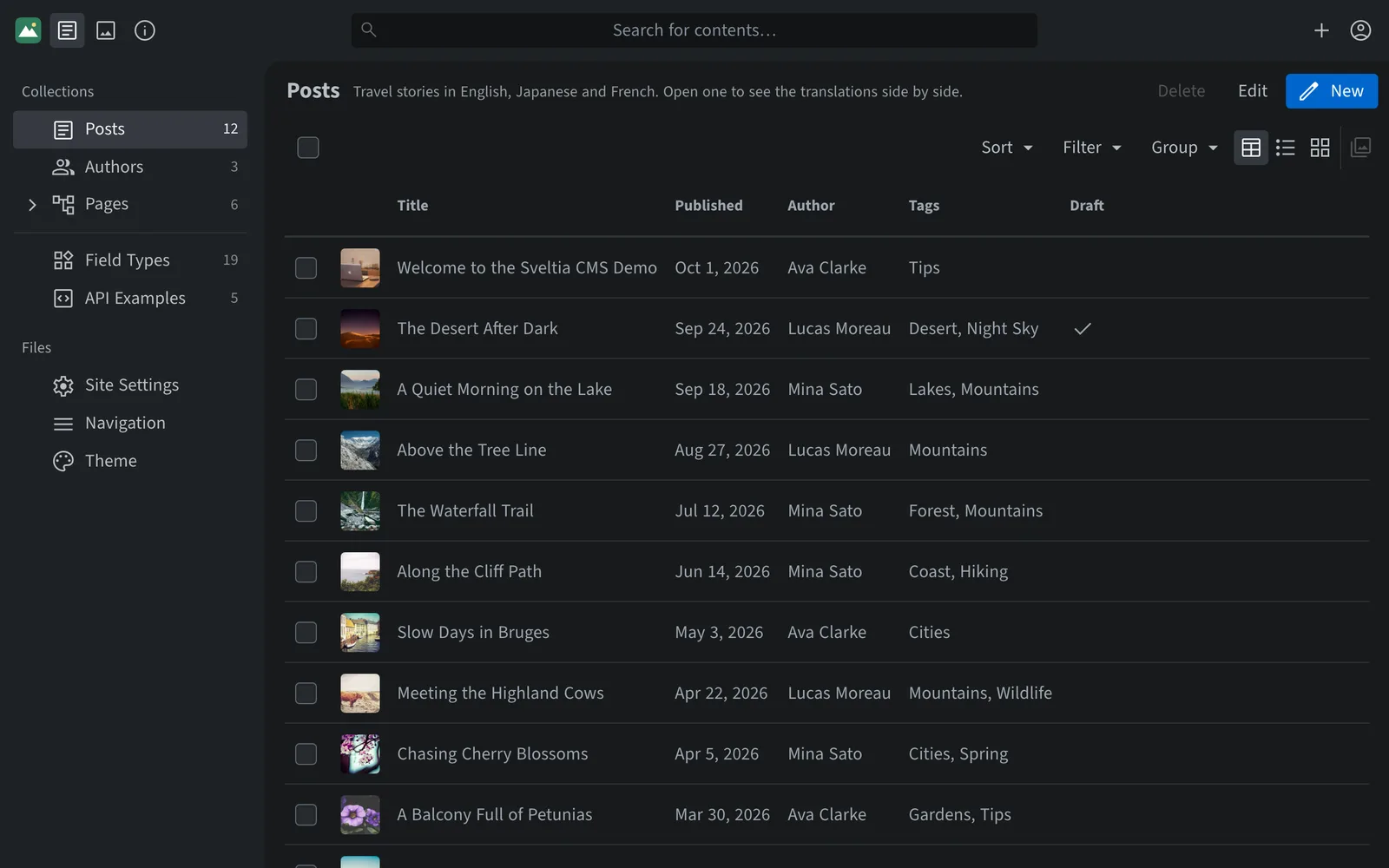
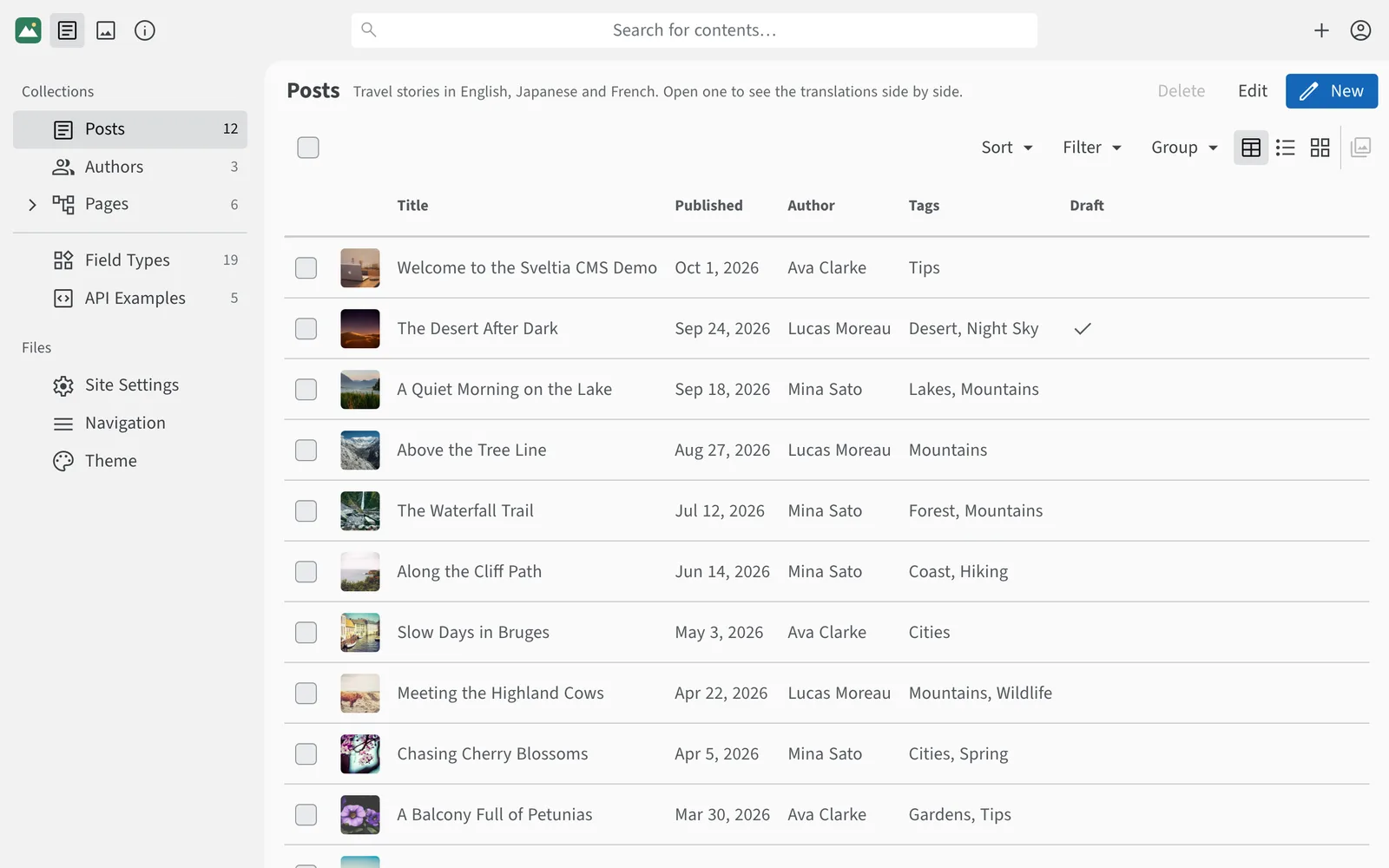
A list of blog posts with thumbnails, publish dates, authors and tagsA list of blog posts with thumbnails, publish dates, authors and tags

Bulk editing

Update dozens of entries in one go

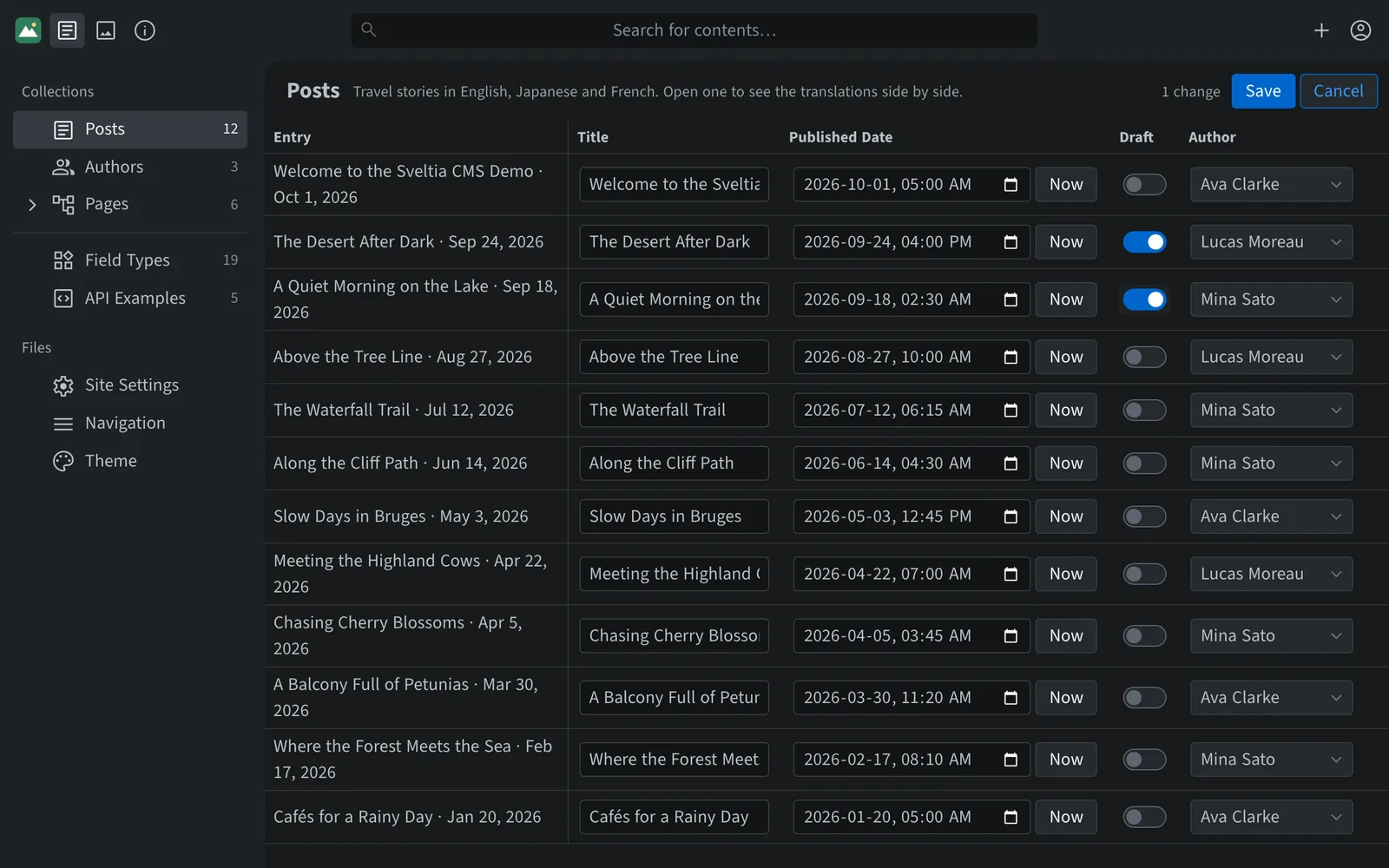
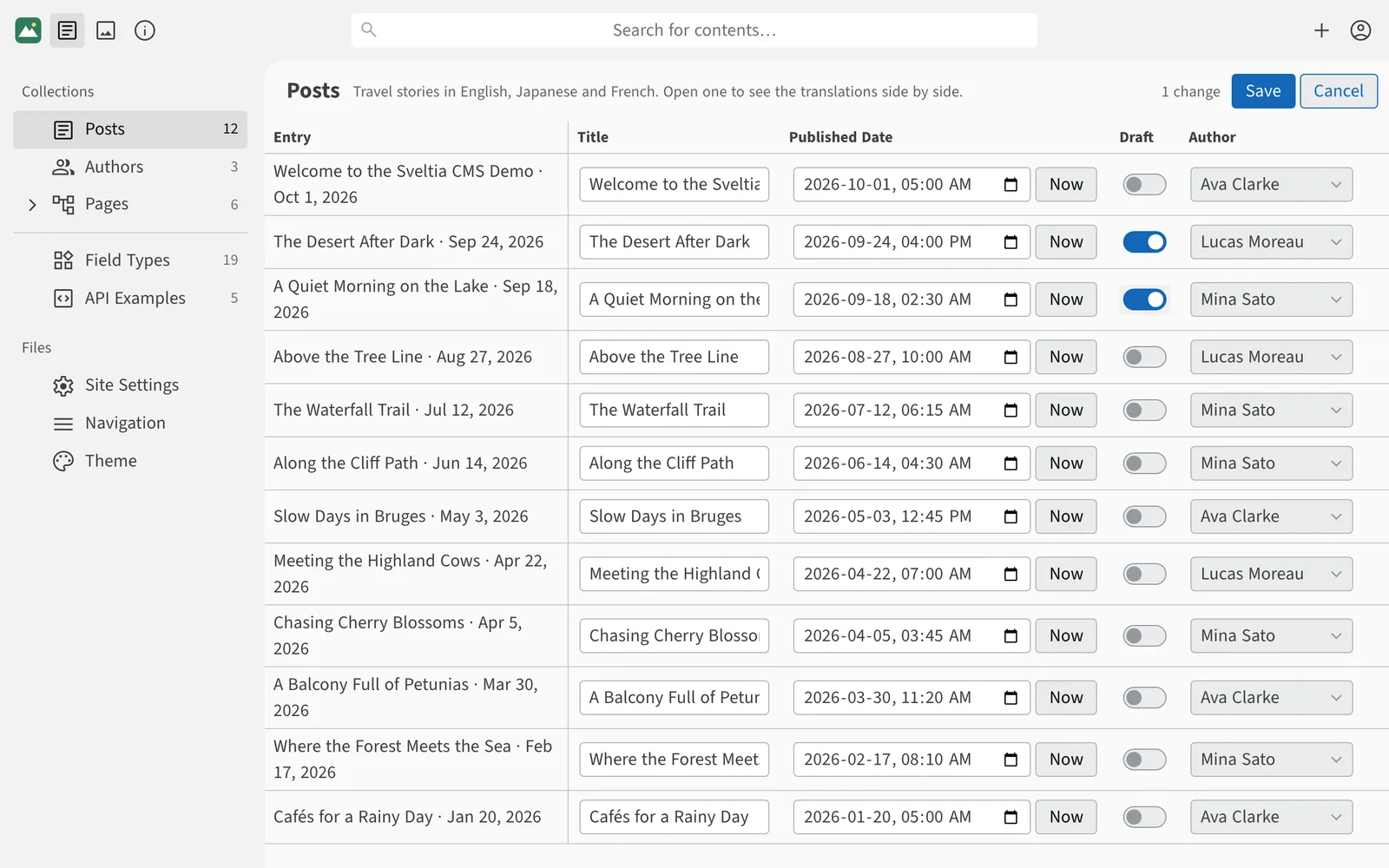
Change titles, dates, authors and other simple fields of many entries in a table that works like a spreadsheet, then save every change in a single commit.

Learn about bulk editing
A table of blog posts with editable titles, dates, draft switches and authors, showing one unsaved changeA table of blog posts with editable titles, dates, draft switches and authors, showing one unsaved change

Asset library

Every image and file, one click away

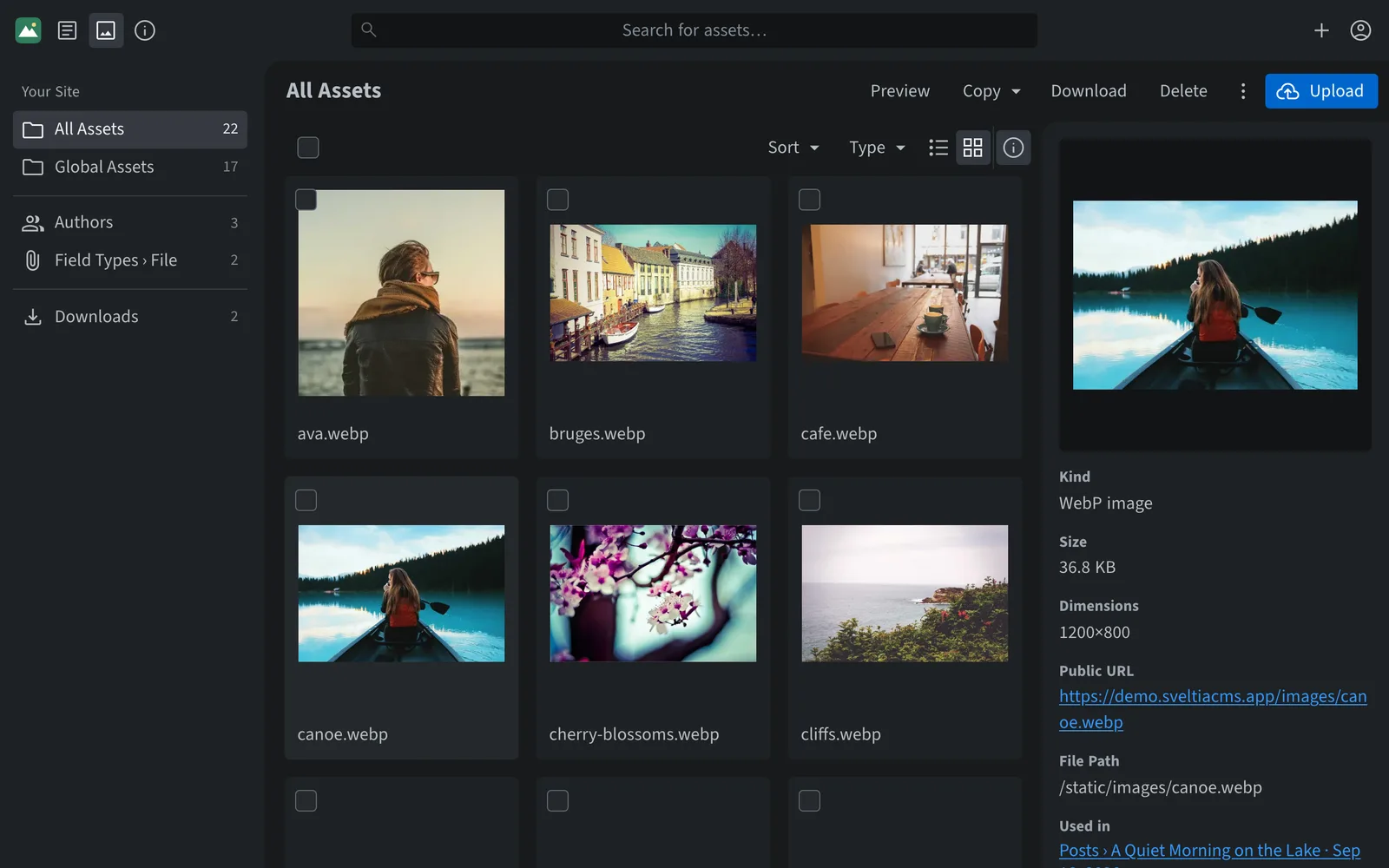
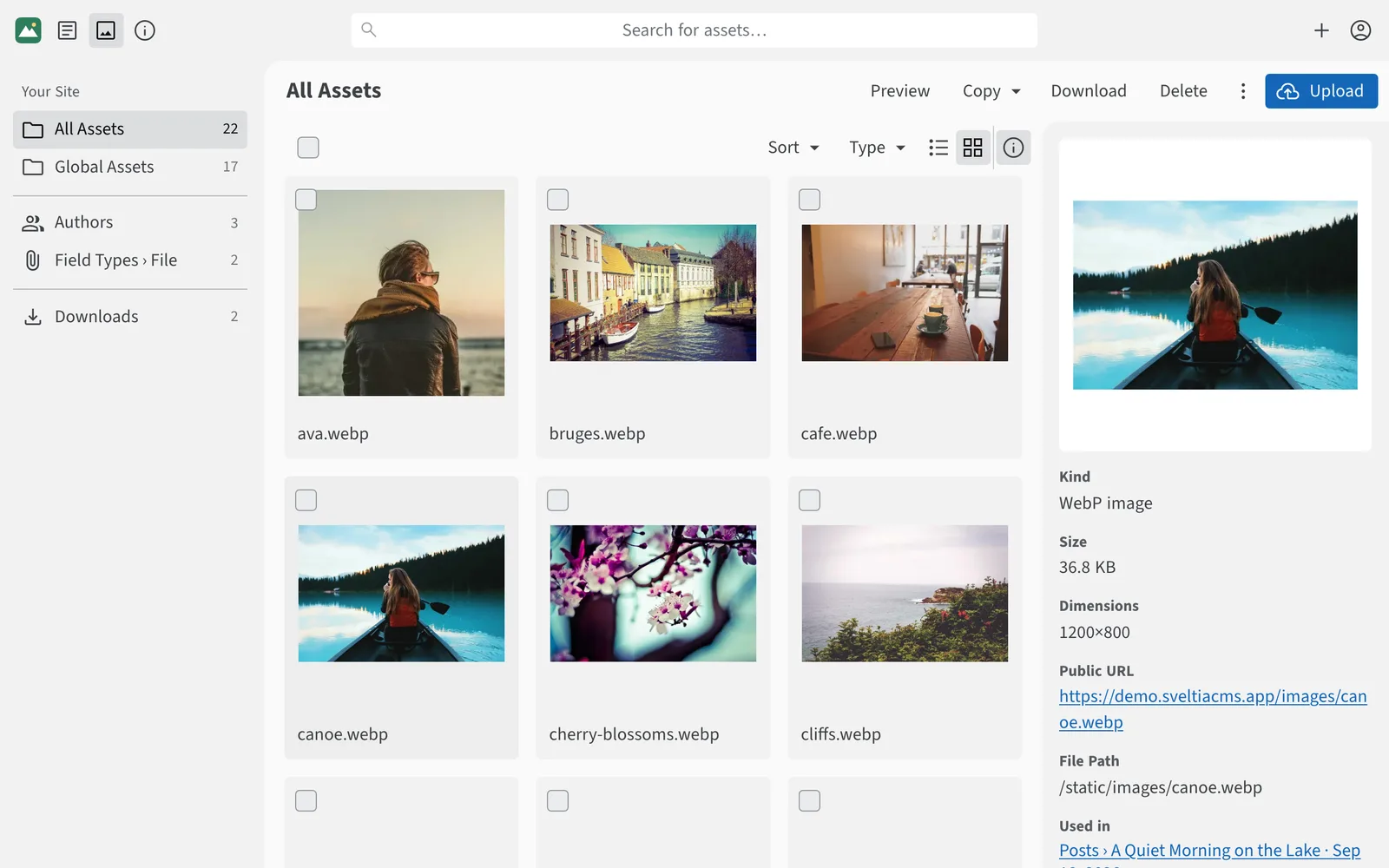
Drag and drop files to upload them, organize them in folders, and see where each one is used before you rename or delete it. HEIC photos from phones can be converted to WebP on upload.

Explore the asset library
The asset library showing a grid of photos and the details of a selected imageThe asset library showing a grid of photos and the details of a selected image

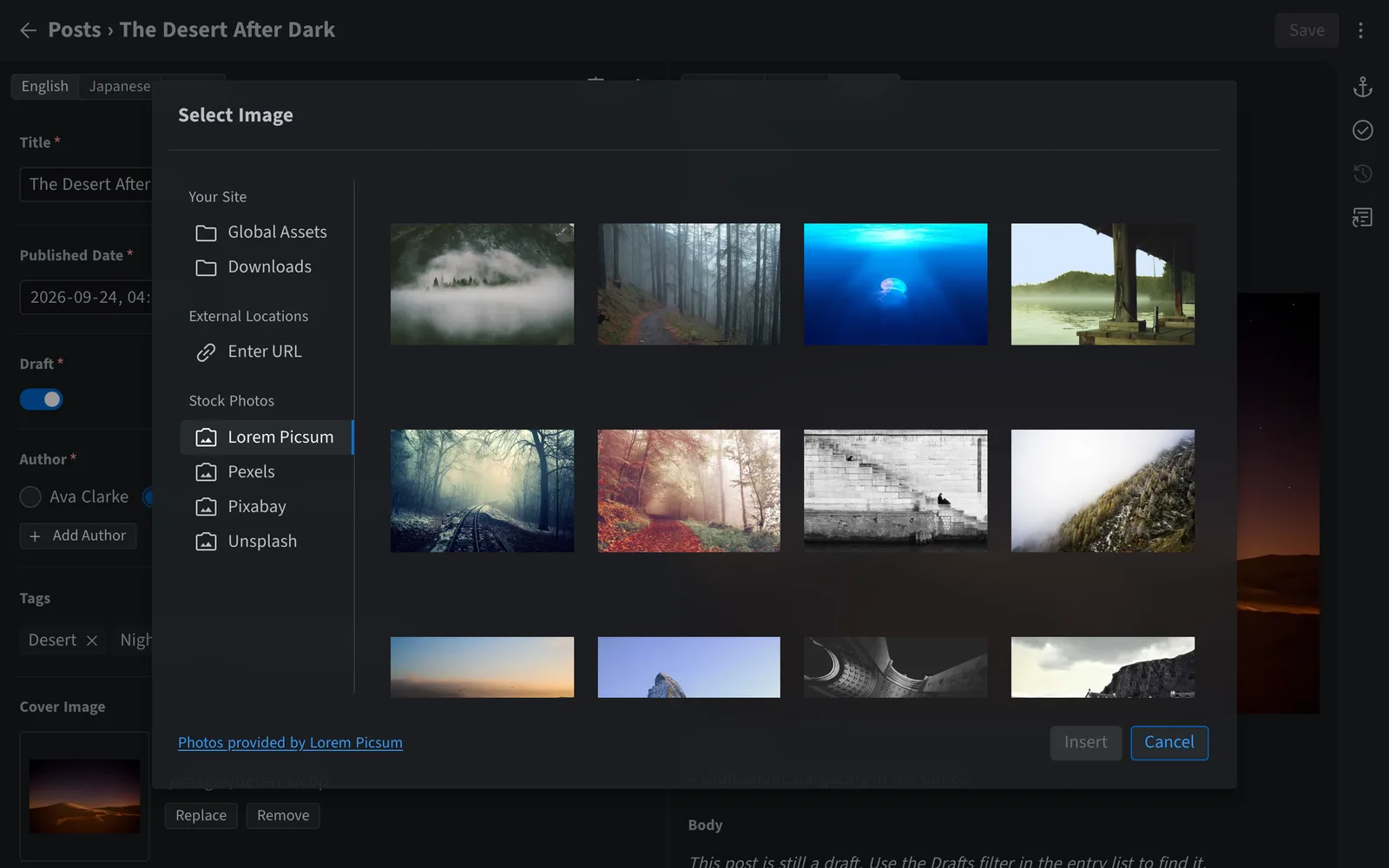
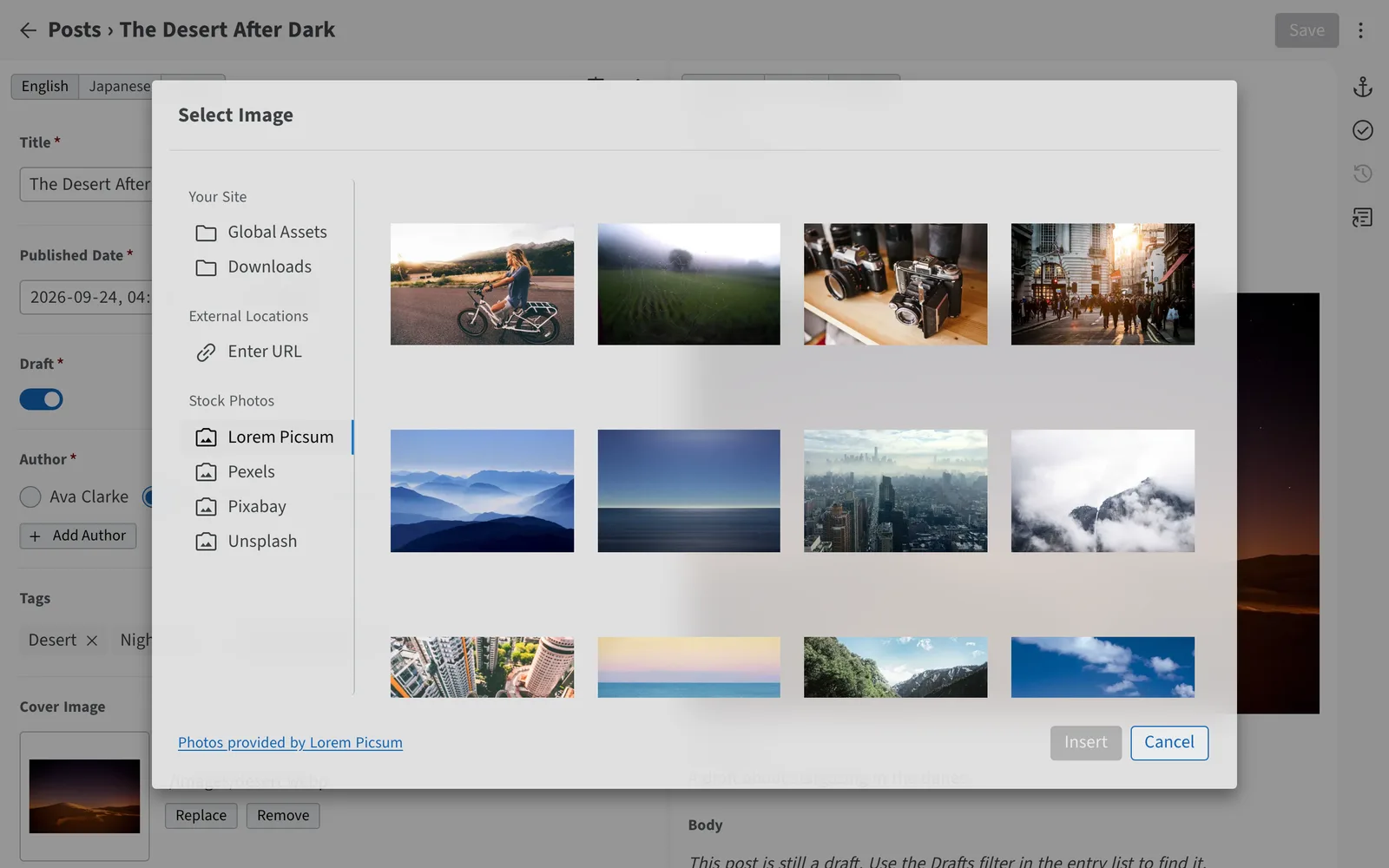
Stock photos

The perfect photo, without leaving the editor

Search Pexels, Pixabay and Unsplash with a free API key, or browse Lorem Picsum with no setup, right from the image picker. Insert a photo with a single click — no downloads, no re-uploads.

Set up stock photos
The image picker with Lorem Picsum, Pexels, Pixabay and Unsplash stock photo sourcesThe image picker with Lorem Picsum, Pexels, Pixabay and Unsplash stock photo sources

And there’s more

Writing and editing

Organizing content

Anywhere, for everyone

Publishing with confidence

Try it now, right in your browser

The live demo needs no sign-up or repository. Your changes stay in your browser.