
Asset library
Every image and file, one click away
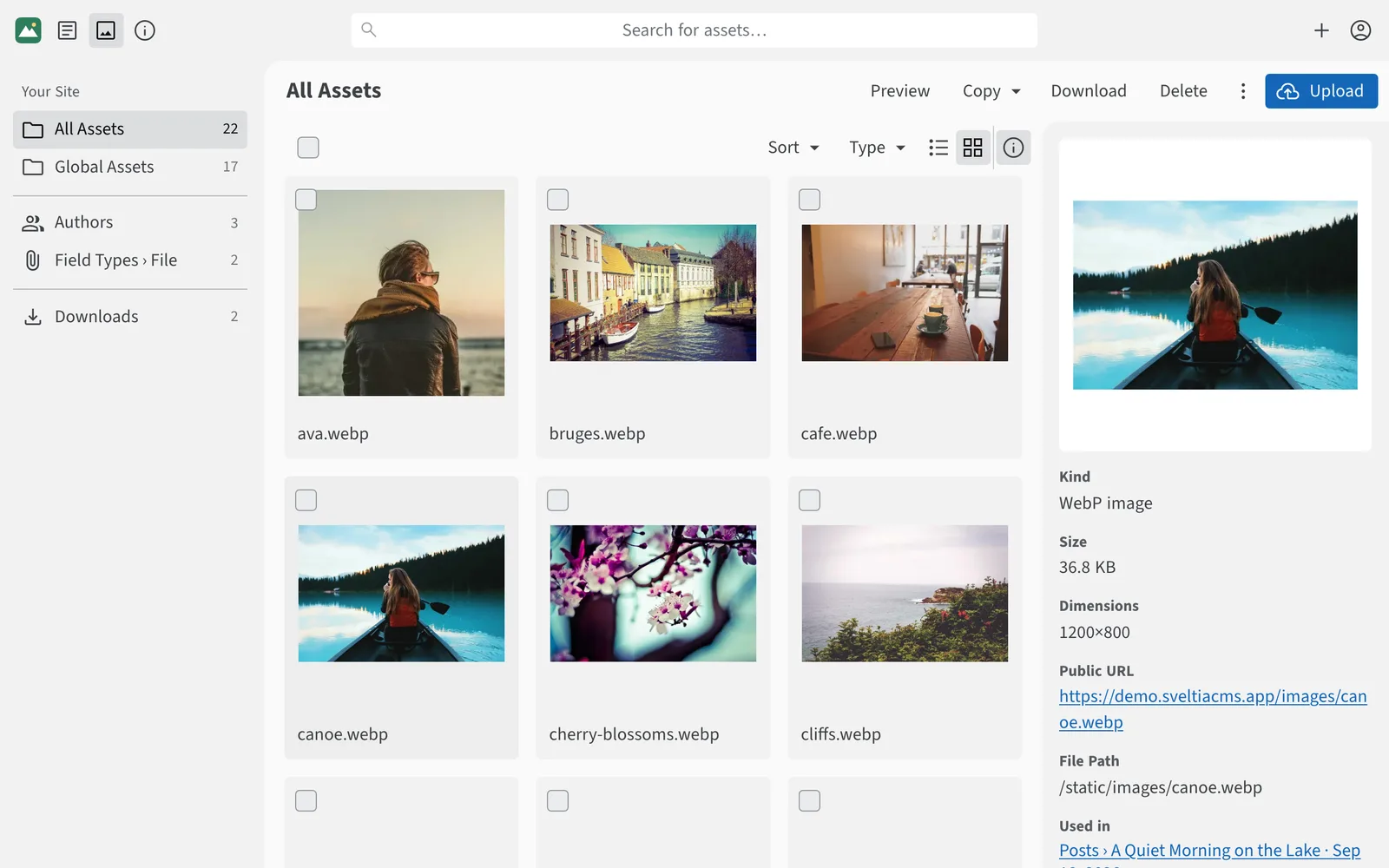
Browse, search and reuse all your media in a full-fledged asset library. See where each file is used, and turn on the built-in optimizer to convert uploads to WebP.
Explore the asset library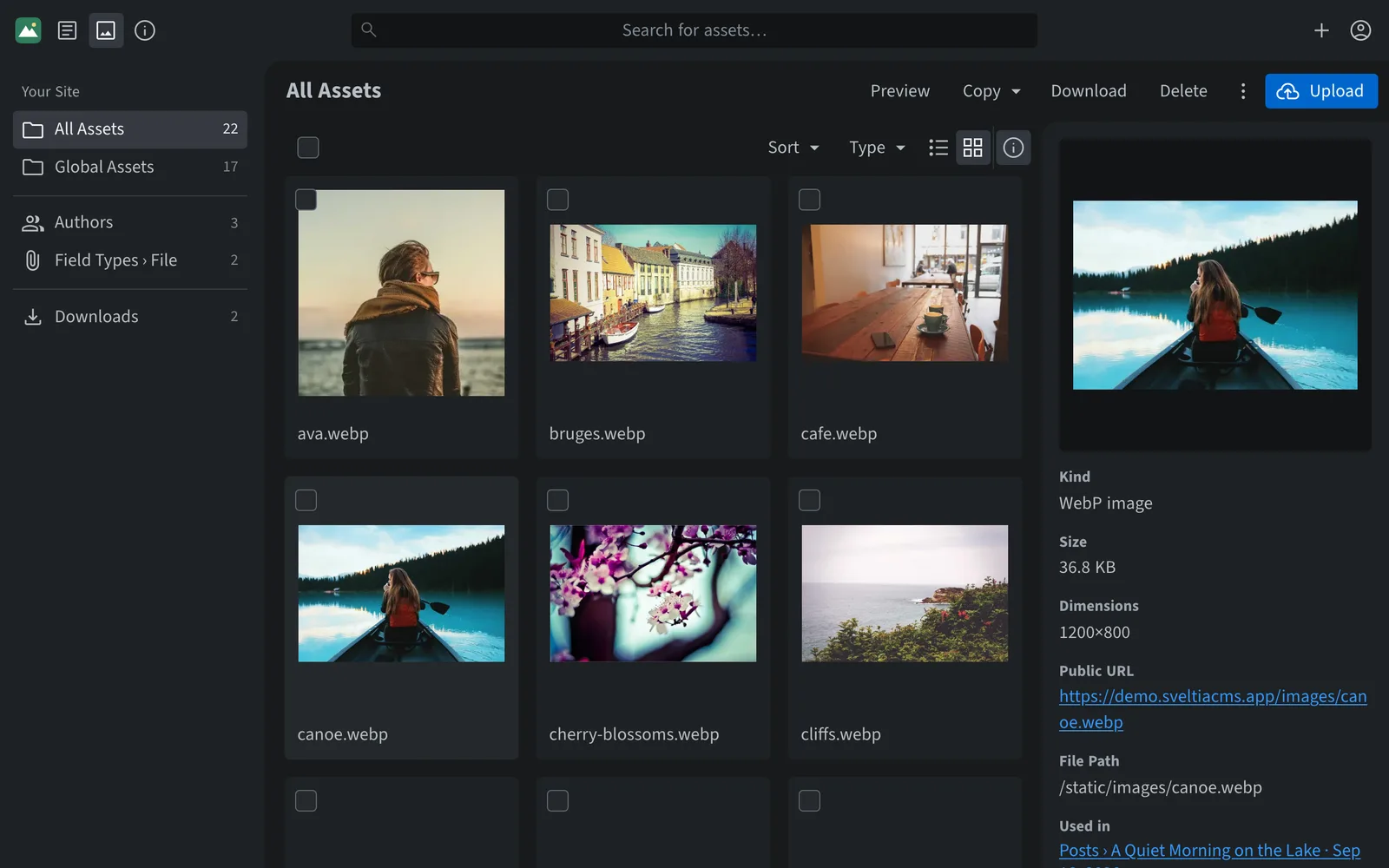
Fast, friendly content editing for any static site. Your content stays in your Git repository — no database, no server, no subscription.
Built for everyone on your team
Editors get a polished app they enjoy using. Developers get a tool they shape in one config file, with no servers to maintain. Organizations get an easy way to keep their site current, for free, and agencies get a CMS they can hand off to clients with confidence.
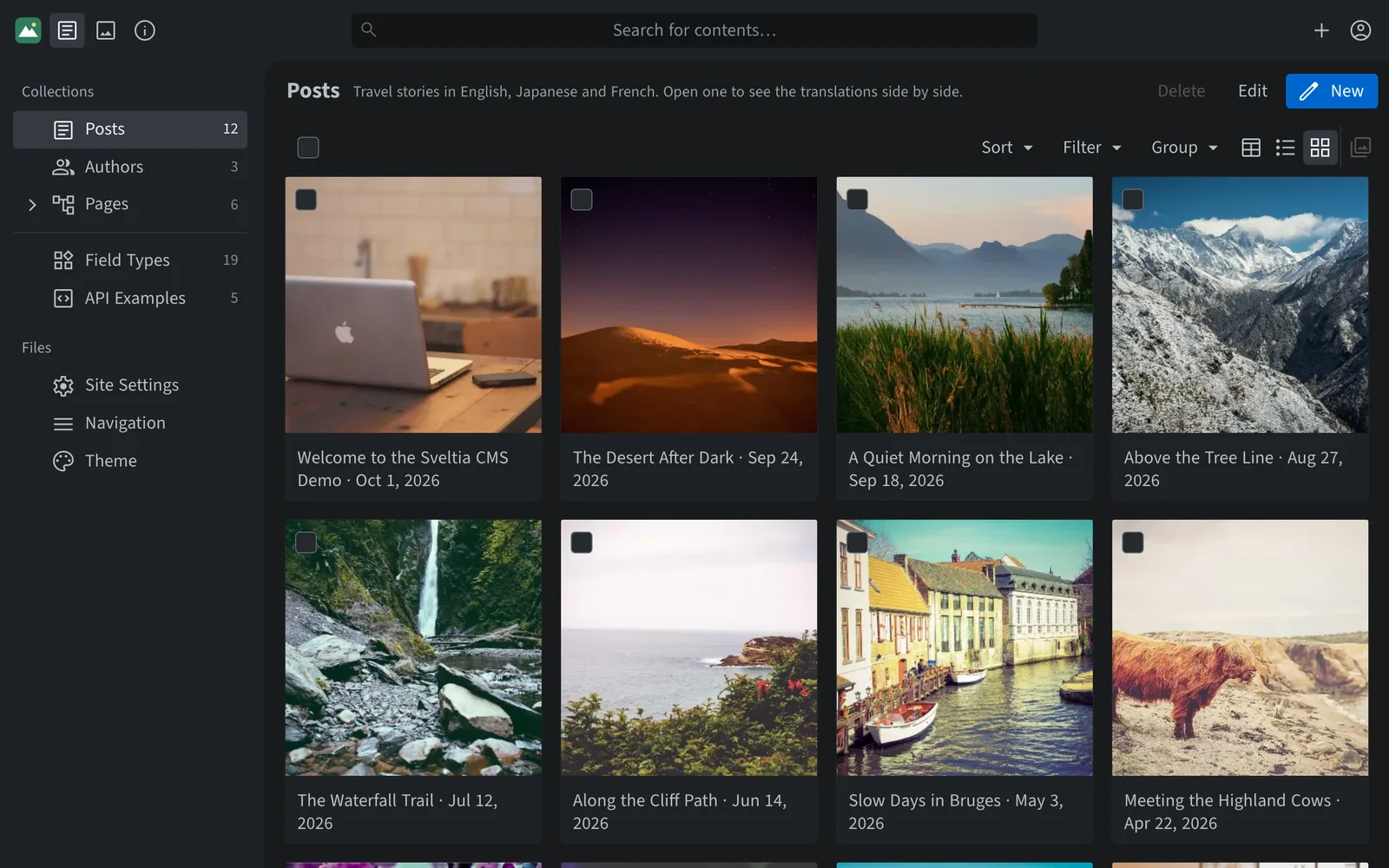
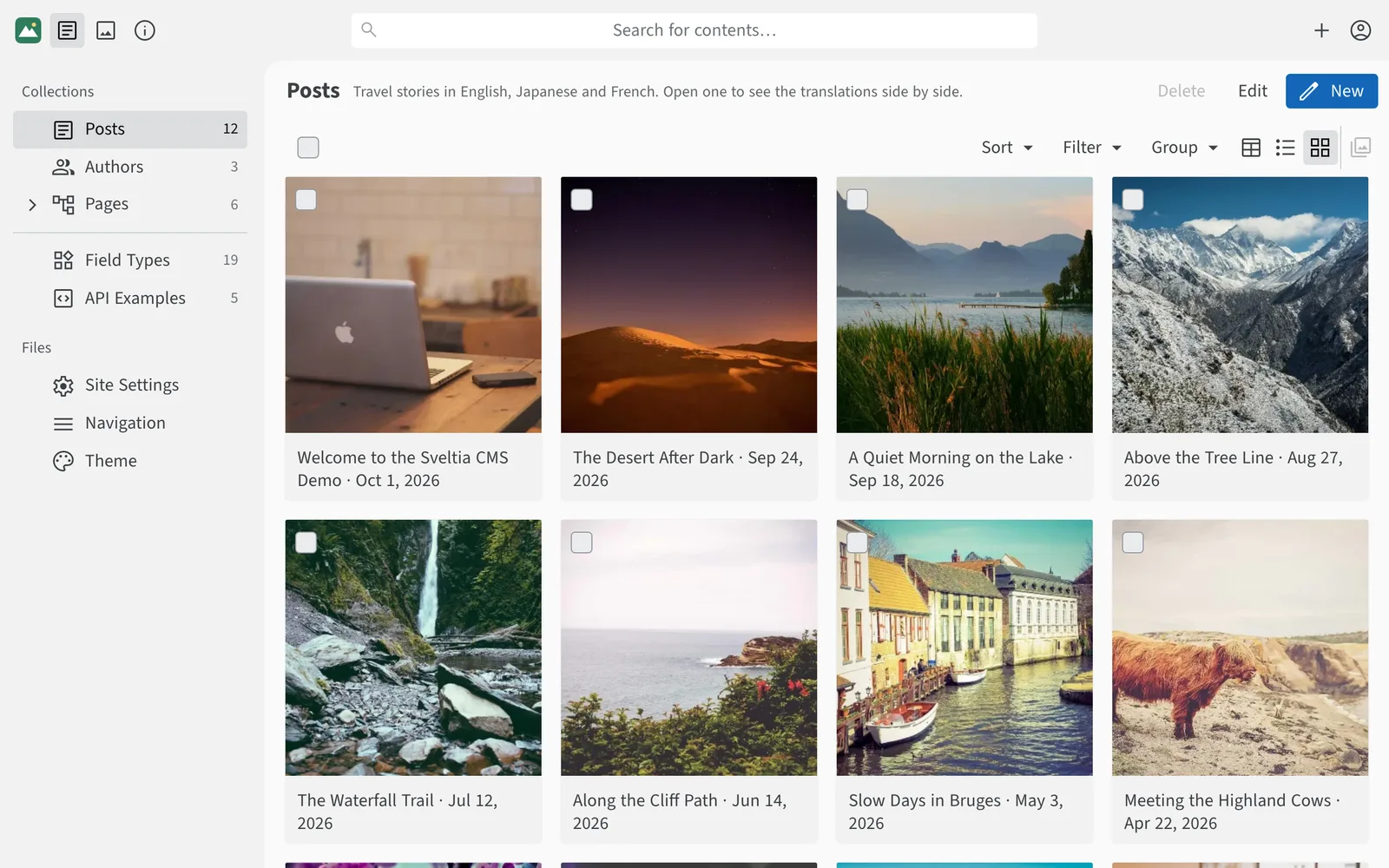
A clean, responsive interface that gets out of the way so people can focus on writing.
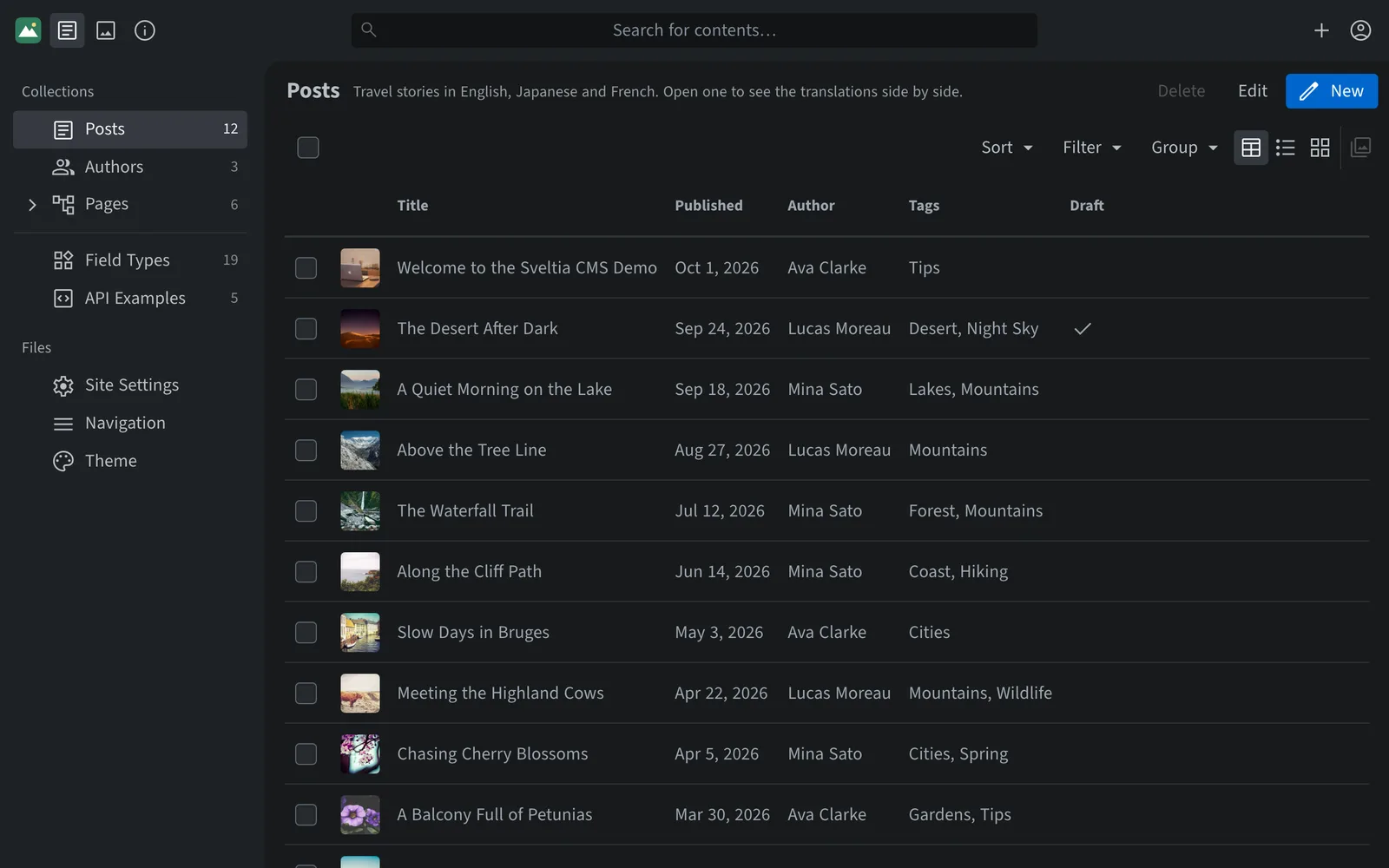
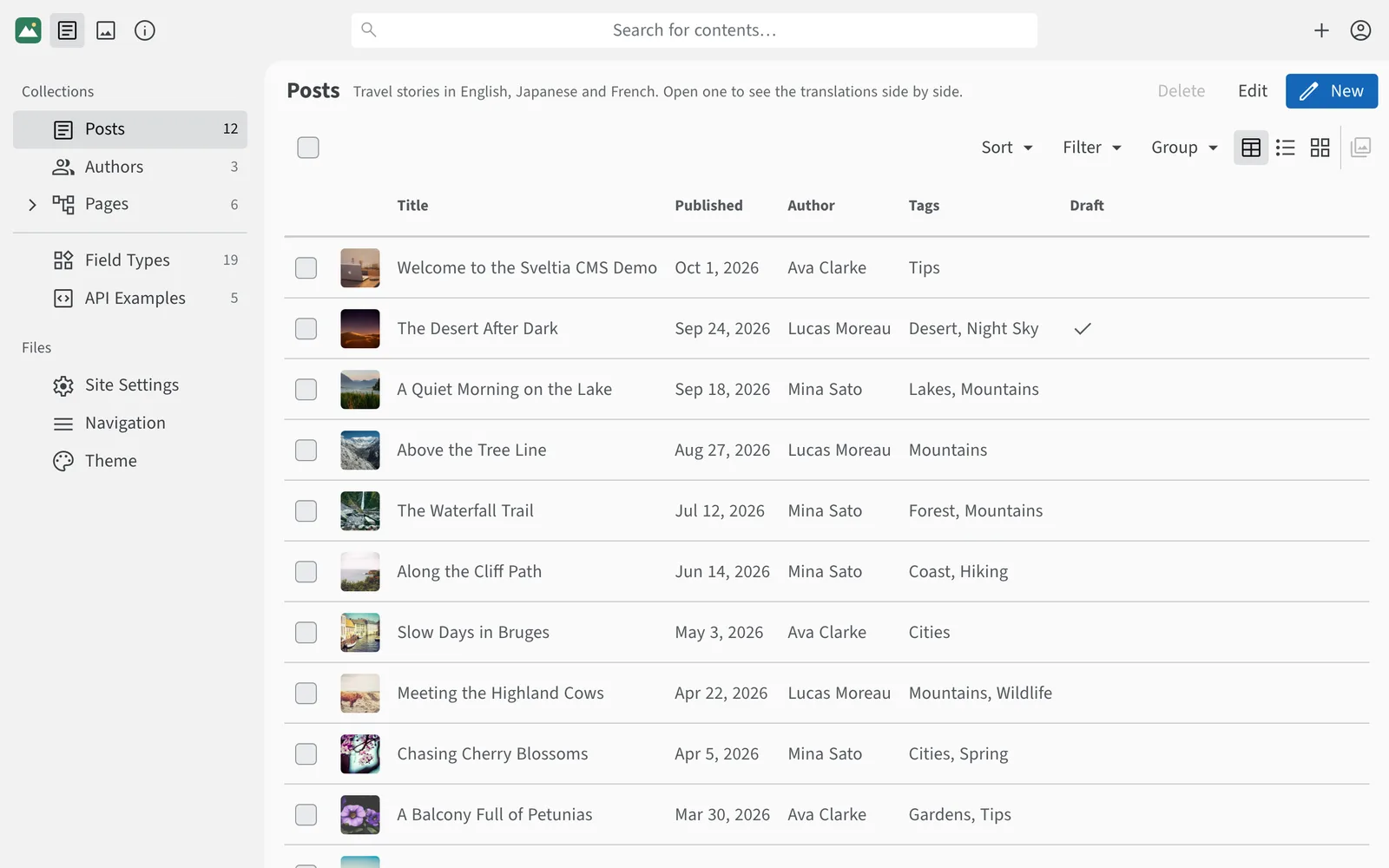
Describe your content in a single config file and add a script tag. No backend to host, no database to back up, no upgrades to install.
backend:
  name: github
  repo: user/repo

media_folder: /public/media

collections:
  - name: posts
    label: Posts
    folder: /content/posts
    fields:
      - { name: title, widget: string }
      - { name: date, widget: datetime }
- { name: body, widget: richtext }Give staff and volunteers an easy way to update your site, with no license fees, no servers to run and an optional review step before changes go live.
Build with the frameworks you already use, then give clients a friendly CMS that needs little training.
app_title: Acme Inc. Site Admin
logo:
  src: /images/acme-logo.svg

# Changes go to a pull request, checked on a deploy preview
publish_mode: preview

collections:
  - name: legal
    label: Legal Pages
    folder: /content/legal
    # Read-only in the CMS; your team edits it in Git
    readonly: true
    fields:
      - { name: title, widget: string }
      - { name: body, widget: richtext }
Highlights
Features that would be paid add-ons elsewhere come built in.
Asset library
Browse, search and reuse all your media in a full-fledged asset library. See where each file is used, and turn on the built-in optimizer to convert uploads to WebP.
Explore the asset libraryStock photos
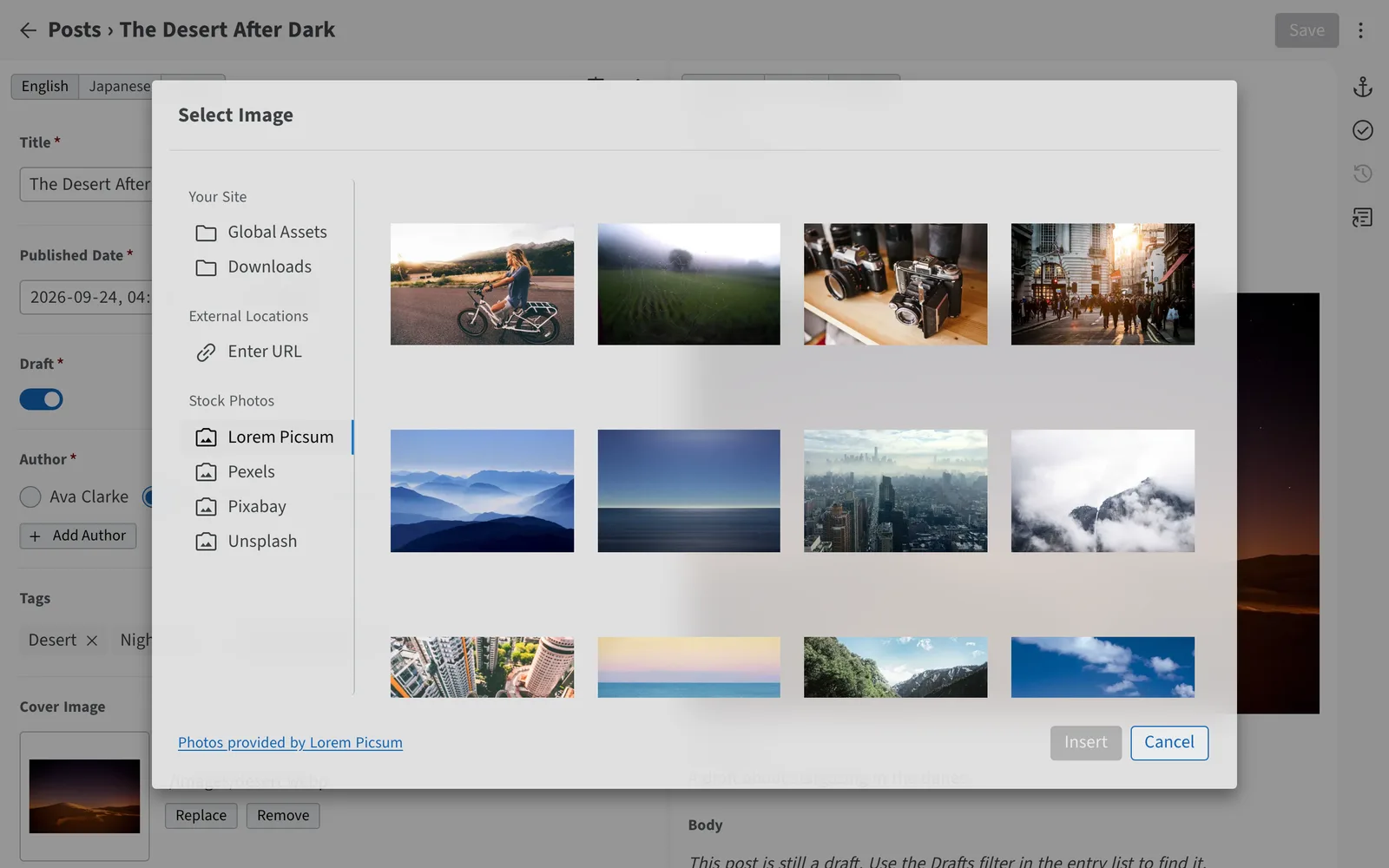
Search Pexels, Pixabay and Unsplash with a free API key, or browse Lorem Picsum with no setup, without leaving the CMS. Insert an image with a single click. Credit information is ready to copy when attribution is required.
Set up stock photos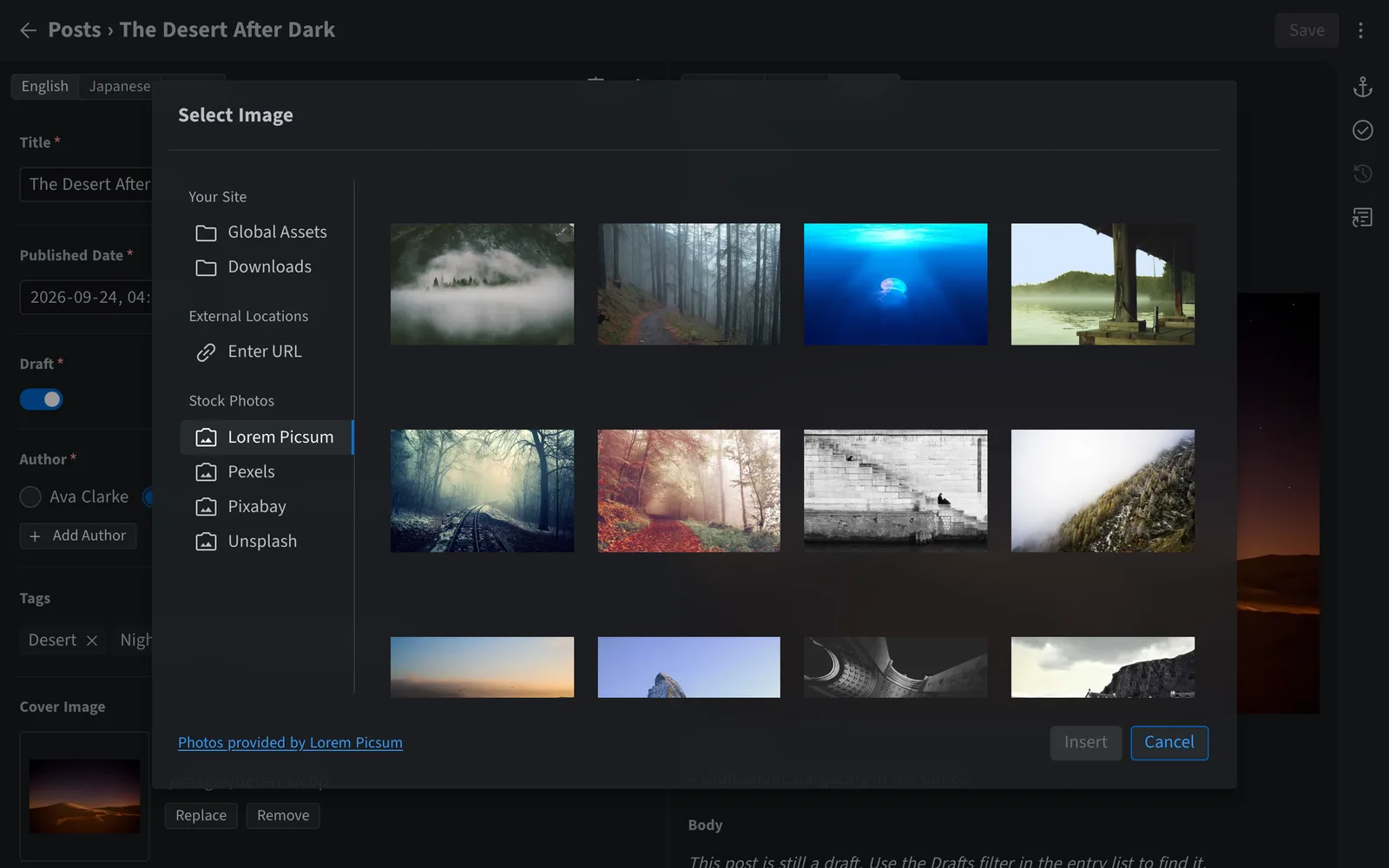
Multilingual content
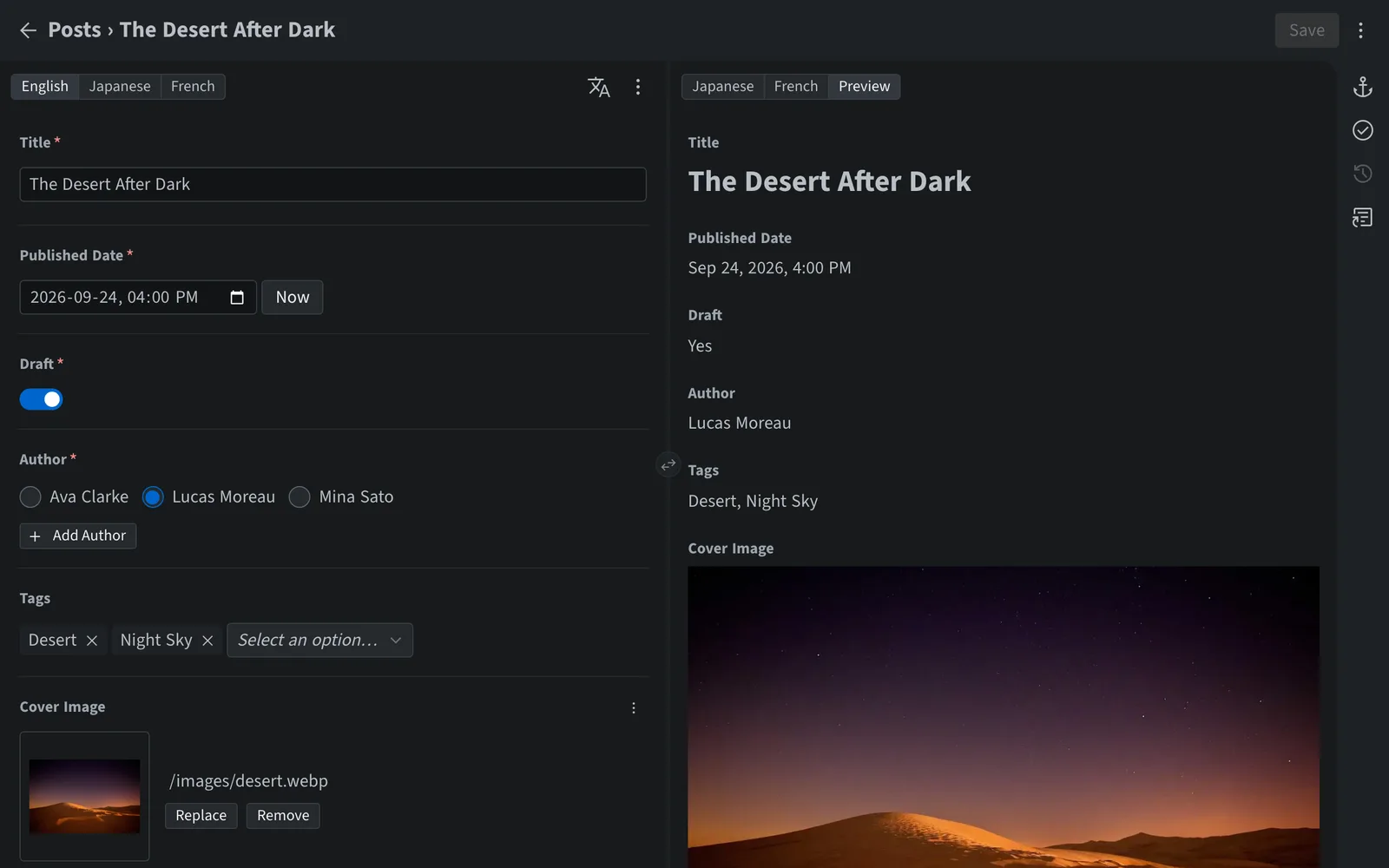
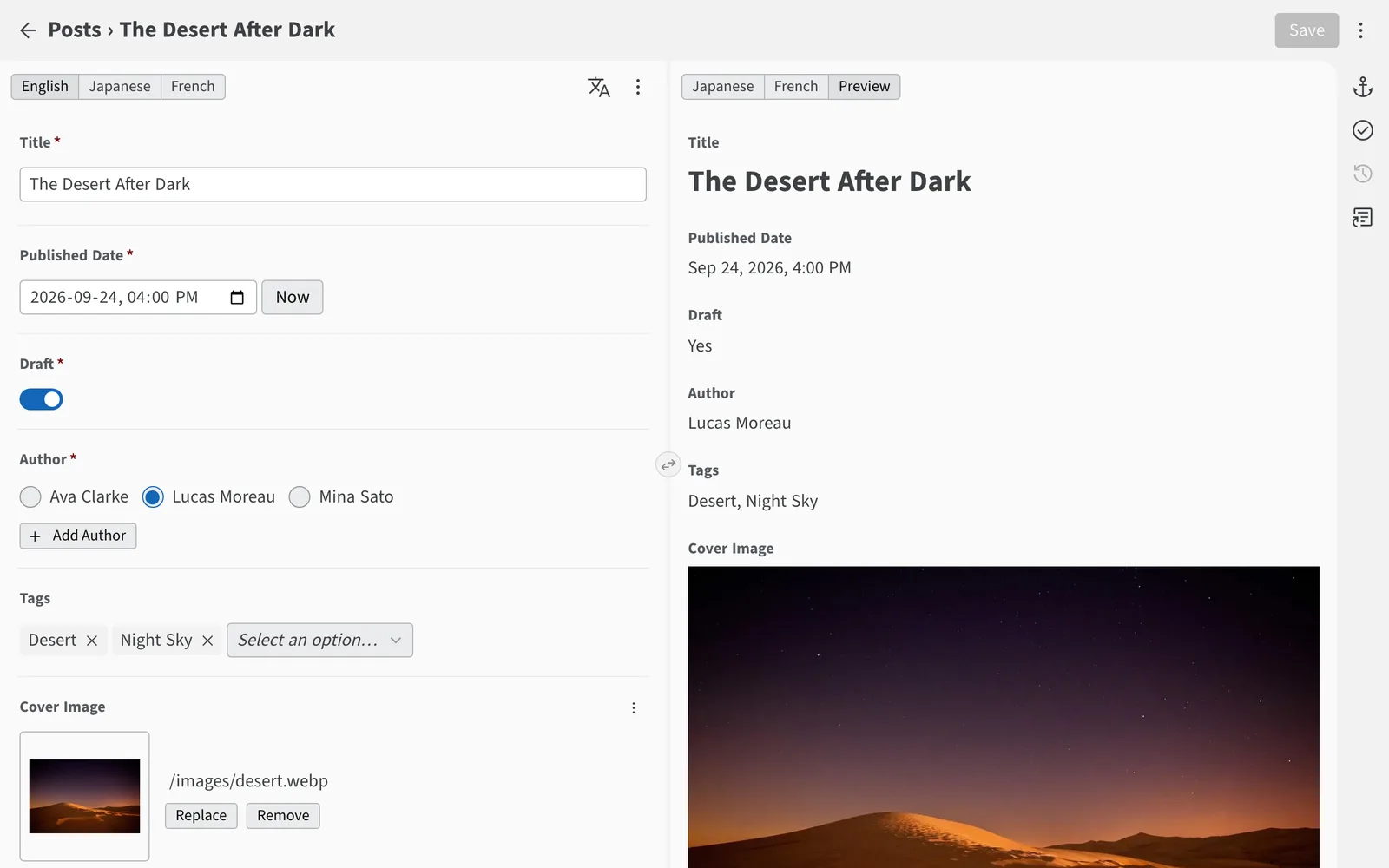
Work on two languages at once, with missing translations flagged in the language switcher. Translate a whole entry or a single field using Google Cloud Translation or an AI model from Anthropic, OpenAI and others — just add your own API key. Each language is stored the way your framework expects.
Explore multilingual features

Content modeling
Combine built-in field types — rich text, relations, lists, objects, maps, colors, code and more — into collections and singletons that match your site. Need something else? Add your own with the JavaScript API.
Browse the field typescollections:
- name: posts
folder: /content/posts
fields:
- { name: title, widget: string }
- { name: cover, widget: image }
- { name: tags, widget: relation, collection: tags, multiple: true }
- { name: body, widget: richtext }
singletons:
- name: settings
file: /data/settings.yml
fields:
- { name: site_title, widget: string }
- { name: accent_color, widget: color }
- name: social_links
widget: list
fields:
- { name: url, widget: string }Relations
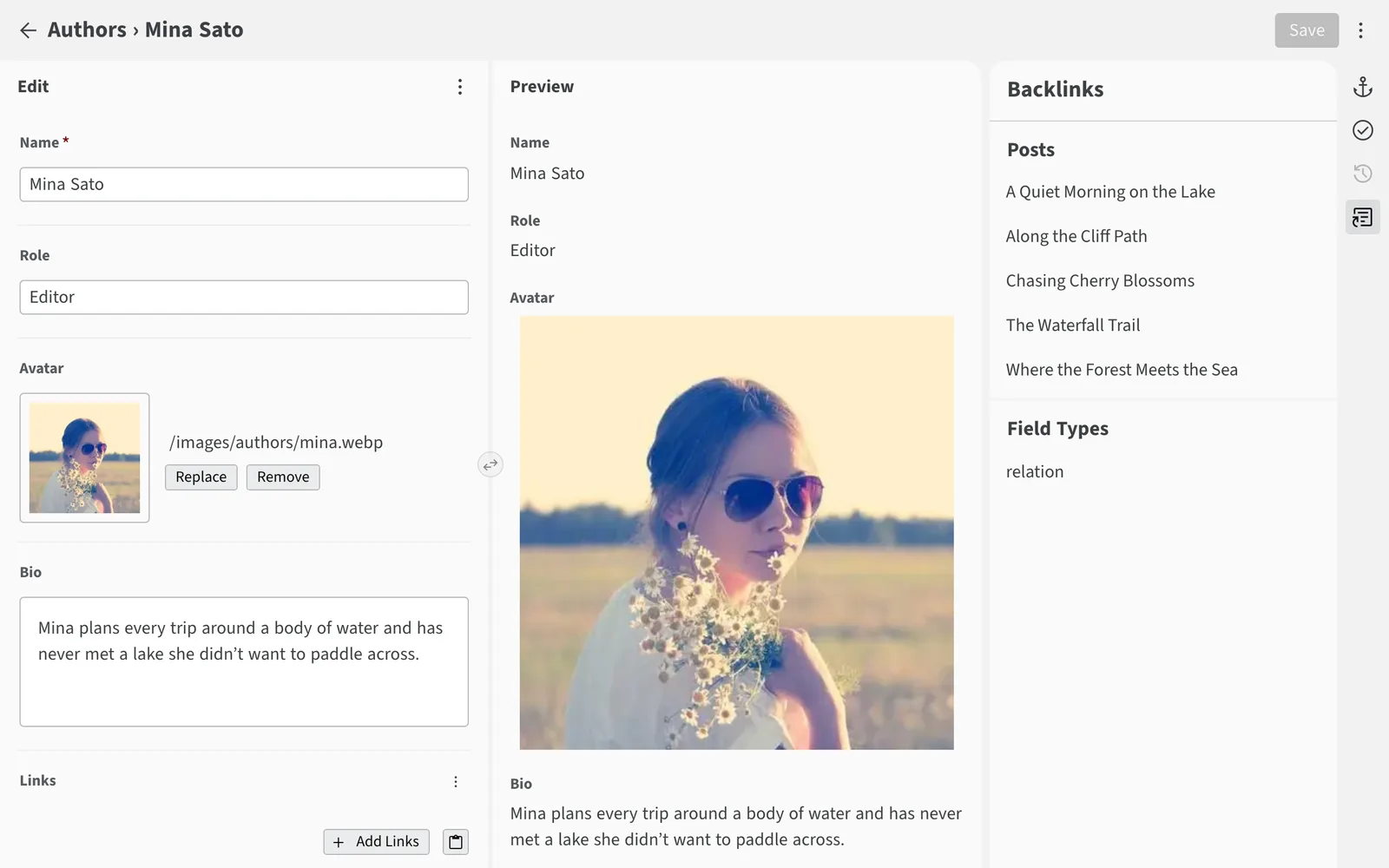
Link entries with Relation fields and see every backlink. Create related entries on the fly, enforce unique values and auto-numbering, and let cascading updates and deletes keep every reference intact. Your content is still plain Markdown, YAML or JSON in Git.
Learn about relations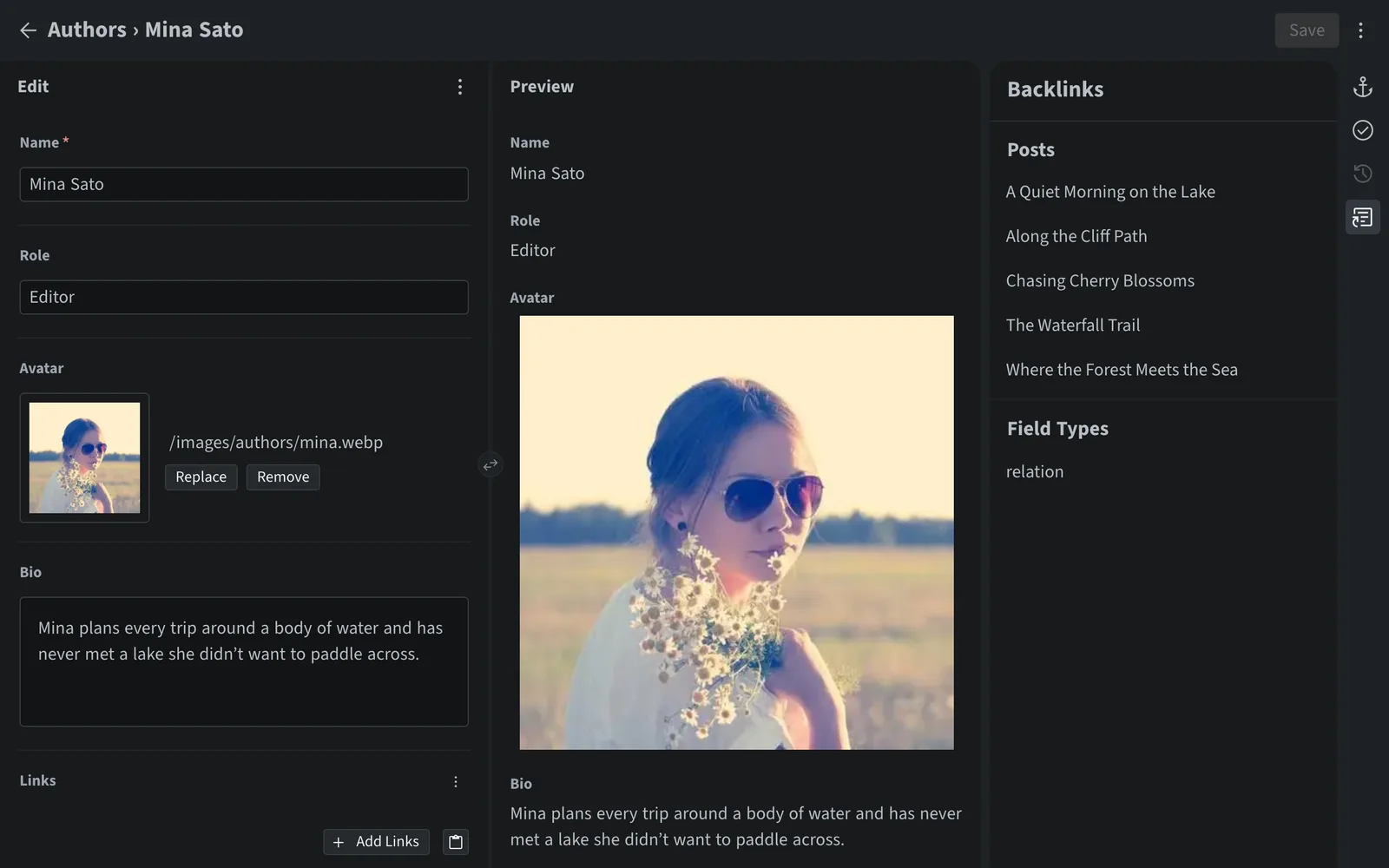
Collaboration
If someone else saves the entry you’re editing, a notice tells you who changed it and when, and saving over their change needs your confirmation. The History panel lists each commit with its author and date, and the Editorial Workflow sends changes for review, with only the stages your team needs, plus Save and Publish for quick fixes.
Explore publishing workflowspublish_mode:
type: editorial_workflow
# Skip “In Review”: a saved draft can be marked “Ready” right away
stages: [draft, pending_publish]
# Offer “Save and Publish” for quick fixes
direct_publish: trueMigration
Sveltia CMS is the successor to both Netlify CMS and Decap CMS, offering a complete modern rewrite and serving as a direct replacement. It reads your existing configuration, so migrating most sites is as simple as swapping one script tag.
Removed: <script src="https://unpkg.com/decap-cms@^3.0.0/dist/decap-cms.js"></script>Added: <script src="https://unpkg.com/@sveltia/cms/dist/sveltia-cms.js"></script>Read the migration guide See all improvements Browse migrated sites
What people are saying on Bluesky.


Free and open source, with no server to set up. No sign-up, no credit card, no lock-in.